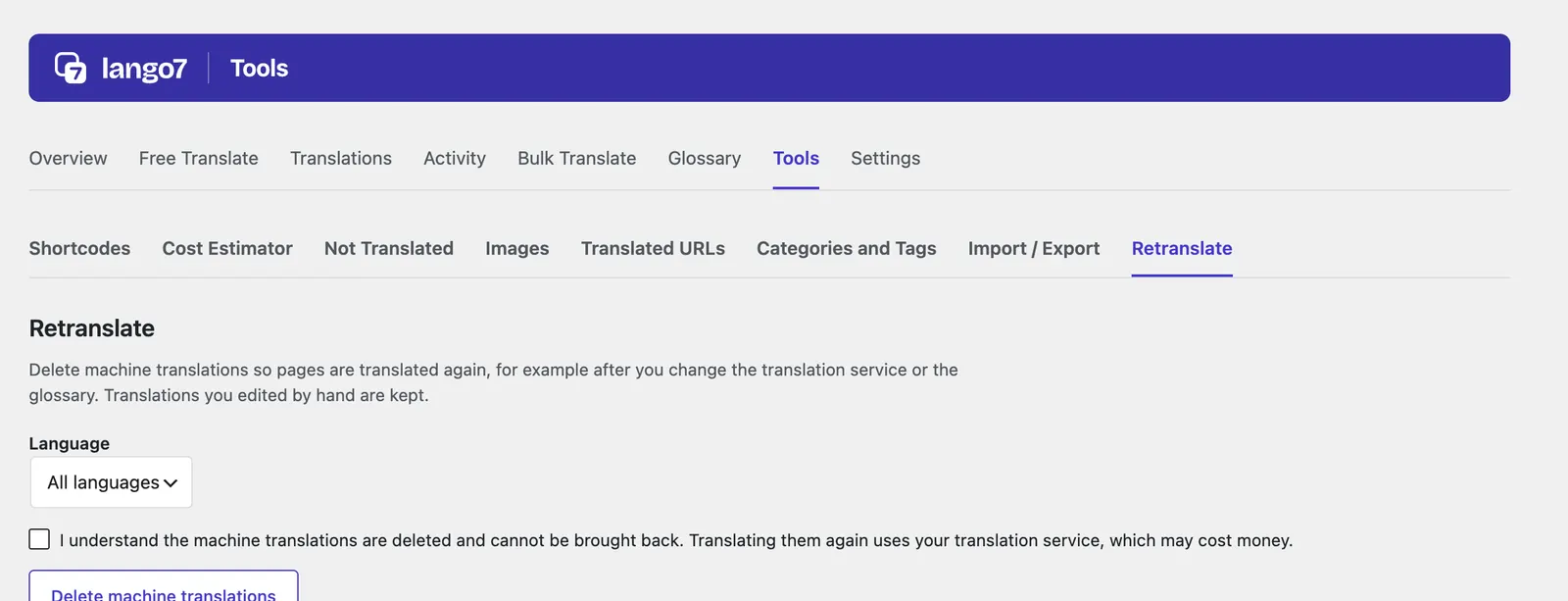
Tools → Retranslate deletes machine translations so your pages are translated again, for example after you change the translation service or the glossary. Translations you edited by hand are kept.
Langkah
- Go to Translate → Tools → Retranslate.
- Choose one language, or All languages.
- Tick the box to confirm. Deleted translations can’t be brought back.
- Click Delete machine translations.
What happens next
- Until the text is translated again, it shows in your own language.
- Free: run Free Translate for that language.
- Pro: use Bulk translate, Translate now, or let automatic translation pick it up. Translating again uses your service’s credit, so check the price first with Bulk translate’s estimate.
Changed one keyword? You don’t need to start over. The glossary’s own Retranslate button only redoes the sentences that use it.