While you edit a page or post, the Lango7 Translation sidebar shows how far each language has got, and lets you act on it without leaving the editor.
Open it
Click the Lango7 icon in the editor’s top bar, next to Save. Each language shows how much of this page is translated.
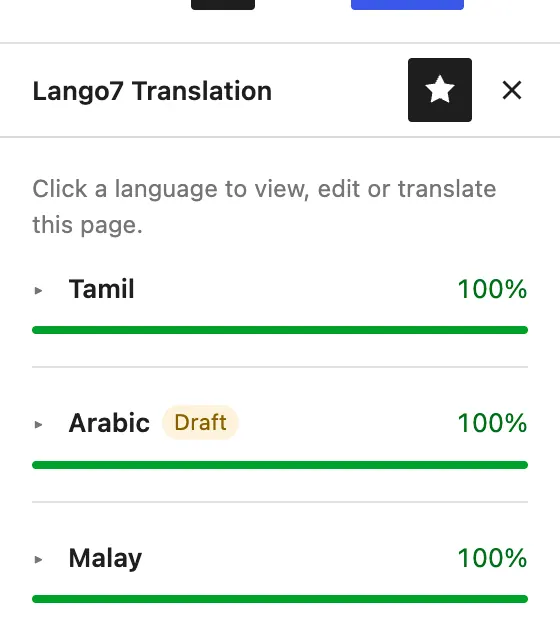
Work on one language
Click a language to open it:
- View the page opens it in that language in a new tab.
- Edit on page opens it in the front-end editor, where you can click a sentence and fix it.
- Translate page translates this page now. Free opens Free Translate for this page in a new tab. Pro lets you pick a service and runs in the background; the sidebar checks every 10 seconds until it is done.
- Delete Translation removes this page’s translations for that language. Text shared with other pages, such as your menu, is kept.
Bagus untuk diketahui
- Save your changes first. Translate is turned off while the page has unsaved changes, and the sidebar refreshes after each save.
- Drafts can be translated too, so a page can be ready in every language when you publish it.
- Click Refresh to update the numbers.
- With Pro, languages that require approval show an Approve button. See Approve translations before visitors see them.