Lango7 Free uses the translator built into Google Chrome. It runs on your own computer, so you don’t need an API key, a translation account or a monthly bill.
What that means in practice
- You translate from wp-admin. Go to Translate → Free Translate and click Start translating. Chrome does the work in that tab.
- Keep the tab open. If you close it, the run stops. Start again later and it carries on where it left off.
- Translate once. Each sentence is saved in your database. Visitors get the saved translation; their browsers do nothing.
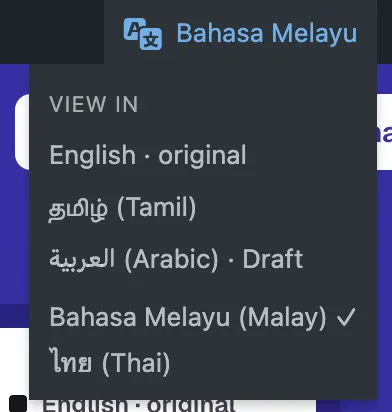
- New text waits for you. When you publish a new page, its text shows in your own language until you run Free Translate again. On the site, the language menu in the admin bar shows an amber dot and Translate this page when the page you are viewing has text waiting.
If it won’t start
- Use Google Chrome itself, version 138 or later, not another Chromium browser.
- Open wp-admin over
https://. Chrome blocks its translator on insecure pages. - Managed work computers can have on-device translation turned off by policy.
Need a language Chrome can’t do, or translation without keeping a tab open? Lango7 Pro adds services such as DeepL, Google, OpenAI, Claude and Gemini.