Lango7 Free ใช้ตัวแปลใน Google Chrome มันทำงานบนคอมพิวเตอร์ของคุณเอง ดังนั้นคุณไม่จำเป็นต้องมีคีย์ API บัญชีการแปลหรือใบเรียกเก็บเงินรายเดือน
ความหมายในทางปฏิบัติ
- You translate from wp-admin. Go to Translate → Free Translate and click Start translating. Chrome does the work in that tab.
- Keep the tab open. If you close it, the run stops. Start again later and it carries on where it left off.
- Translate once. Each sentence is saved in your database. Visitors get the saved translation; their browsers do nothing.
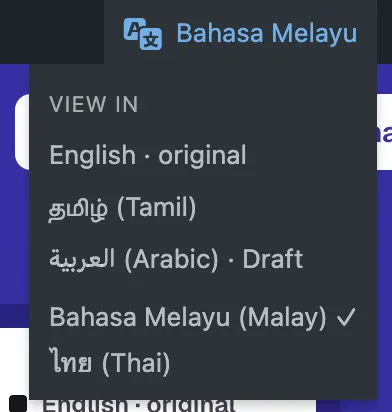
- New text waits for you. When you publish a new page, its text shows in your own language until you run Free Translate again. On the site, the language menu in the admin bar shows an amber dot and Translate this page when the page you are viewing has text waiting.
ถ้ามันไม่เริ่ม
- ใช้ Google Chrome เวอร์ชัน 138 ขึ้นไป ไม่ใช่เบราว์เซอร์ Chromium อื่น
- เปิด wp-admin ผ่าน
https://. Chrome บล็อกตัวแปลในหน้าที่ไม่ปลอดภัย - คอมพิวเตอร์ของที่ทำงานที่มีการจัดการอาจถูกปิดการแปลบนอุปกรณ์ด้วยนโยบาย
ต้องการภาษาที่ Chrome ทำไม่ได้ หรือการแปลโดยไม่ต้องเปิดแท็บไว้ใช่หรือไม่ Lango7 Pro เพิ่มบริการต่างๆ เช่น DeepL, Google, OpenAI, Claude และ Gemini