A daily limit stops a big site from sending everything to your translation service in one day.
Set it
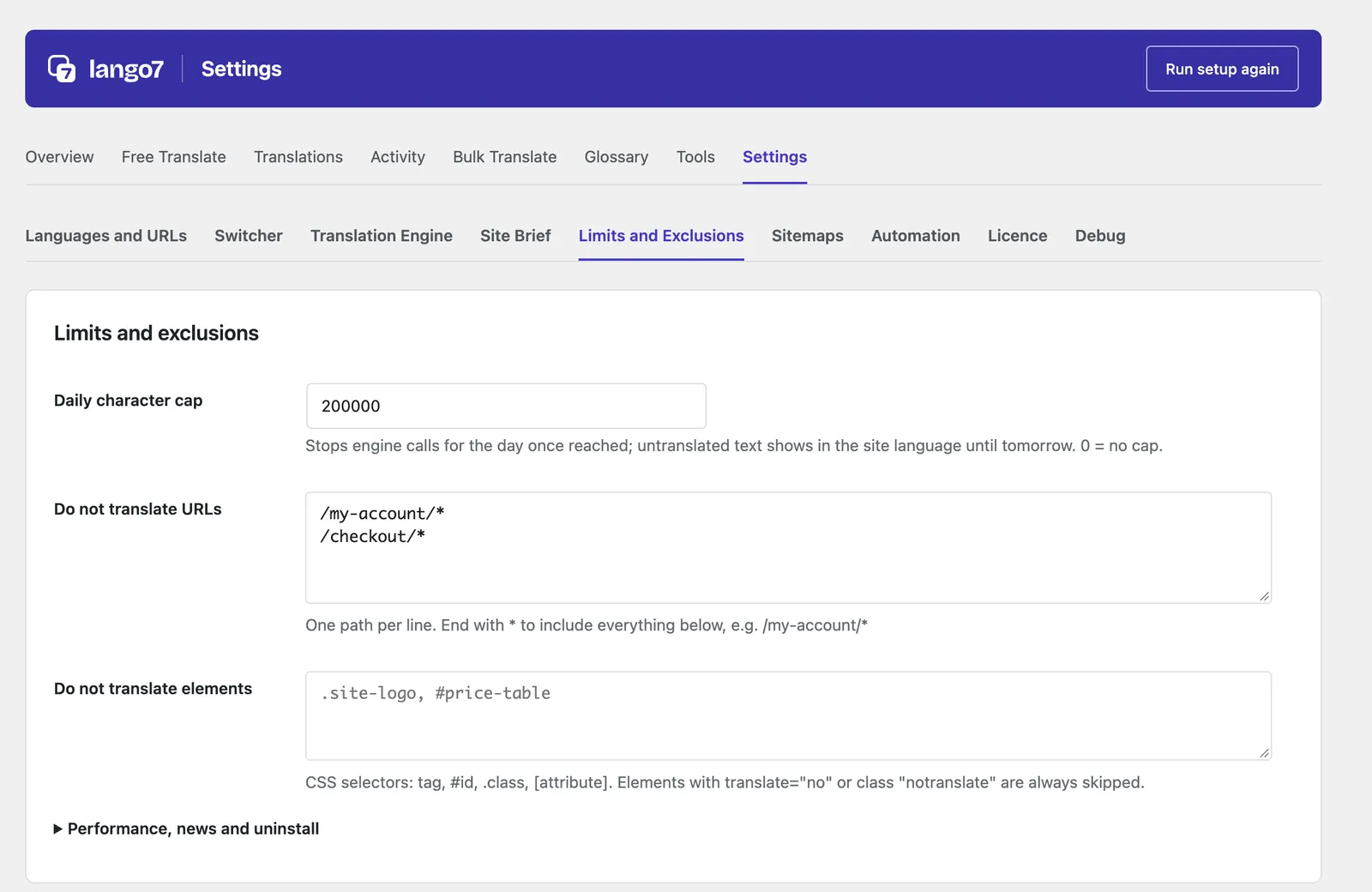
- Go to Translate → Settings → Limits and exclusions.
- Enter the number of characters per day. The default is 200,000. Use 0 for no limit.
- Save.
When the limit is reached
- Text that isn’t translated yet shows in your own language until tomorrow.
- Lango7 emails you.
- Bulk translate pauses and carries on the next day.
- Saved translations keep showing as normal.