Lango7 Free Google Chrome இல் கட்டமைக்கப்பட்ட மொழிபெயர்ப்பாளரைப் பயன்படுத்துகிறது. இது உங்கள் சொந்த கணினியில் இயங்குகிறது, எனவே உங்களுக்கு API விசை, மொழிபெயர்ப்பு கணக்கு அல்லது மாதாந்திர பில் தேவையில்லை.
நடைமுறையில் என்ன அர்த்தம்
- You translate from wp-admin. Go to Translate → Free Translate and click Start translating. Chrome does the work in that tab.
- Keep the tab open. If you close it, the run stops. Start again later and it carries on where it left off.
- Translate once. Each sentence is saved in your database. Visitors get the saved translation; their browsers do nothing.
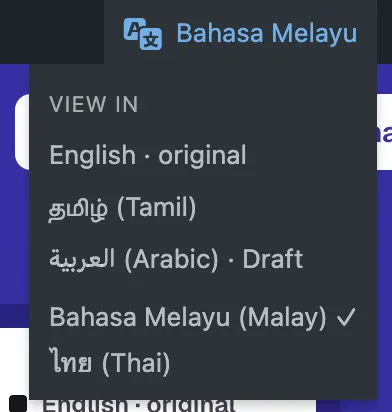
- New text waits for you. When you publish a new page, its text shows in your own language until you run Free Translate again. On the site, the language menu in the admin bar shows an amber dot and Translate this page when the page you are viewing has text waiting.
அது தொடங்கவில்லை என்றால்
- Google Chrome ஐப் பயன்படுத்தவும், பதிப்பு 138 அல்லது அதற்குப் பிறகு, மற்றொரு குரோமியம் உலாவி அல்ல.
https://வழியாக wp-admin-ஐத் திறக்கவும். குரோம் பாதுகாப்பற்ற பக்கங்களில் அதன் மொழிபெயர்ப்பாளரைத் தடுக்கிறது.- நிர்வகிக்கப்பட்ட பணி கணினிகள் கொள்கையின்படி சாதனத்தில் மொழிபெயர்ப்பை முடக்கலாம்.
Chrome செய்ய முடியாத மொழி தேவையா அல்லது தாவலைத் திறக்காமல் மொழிபெயர்ப்பதா? Lango7 Pro DeepL, Google, OpenAI, Claude மற்றும் Gemini போன்ற சேவைகளைச் சேர்க்கிறது.