Each language you add gets its own folder on your site, such as /de/ for German. Pages, menus and links stay inside that folder.
Add a language
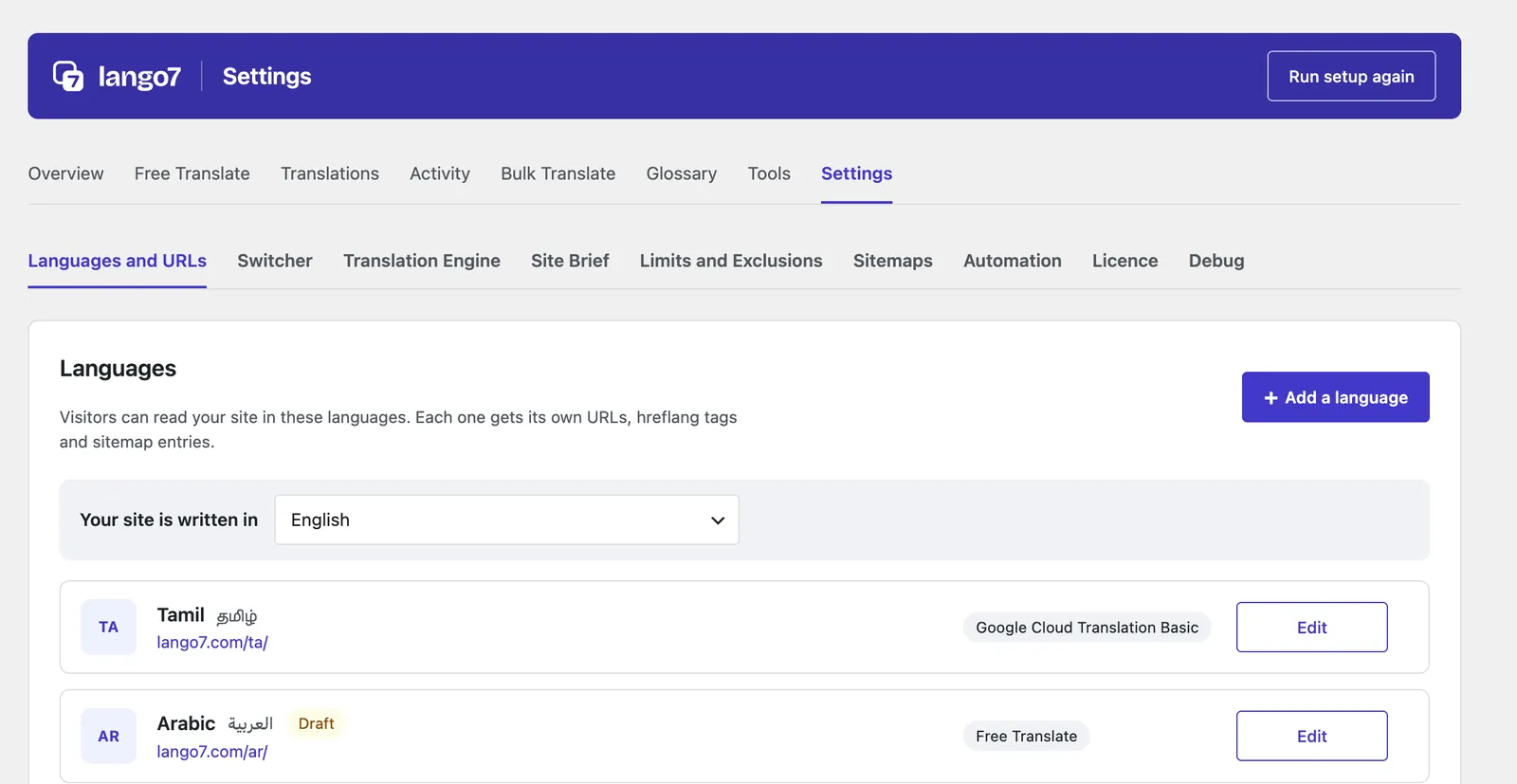
- Go to Translate → Settings → Languages and URLs.
- Click Add a language and search for it.
- Check the Web address. It’s filled in for you; change it if you want, using lowercase letters, numbers and dashes.
- Save. The language is live at once, then translate it with Free Translate.
Good to know
- The web address and the language code can differ. The folder
/cn/can use the codezh-Hans. Your CSS and shortcodes use the code. - Change the address later and the old addresses redirect to the new ones.
- Free can add as many languages as you like, from the 47 Chrome can translate. Remove one and its old addresses redirect to the original page. Pro adds 94 more languages.
- With Pro, tick Draft to translate a language before visitors can see it. See Prepare a language before it goes live.